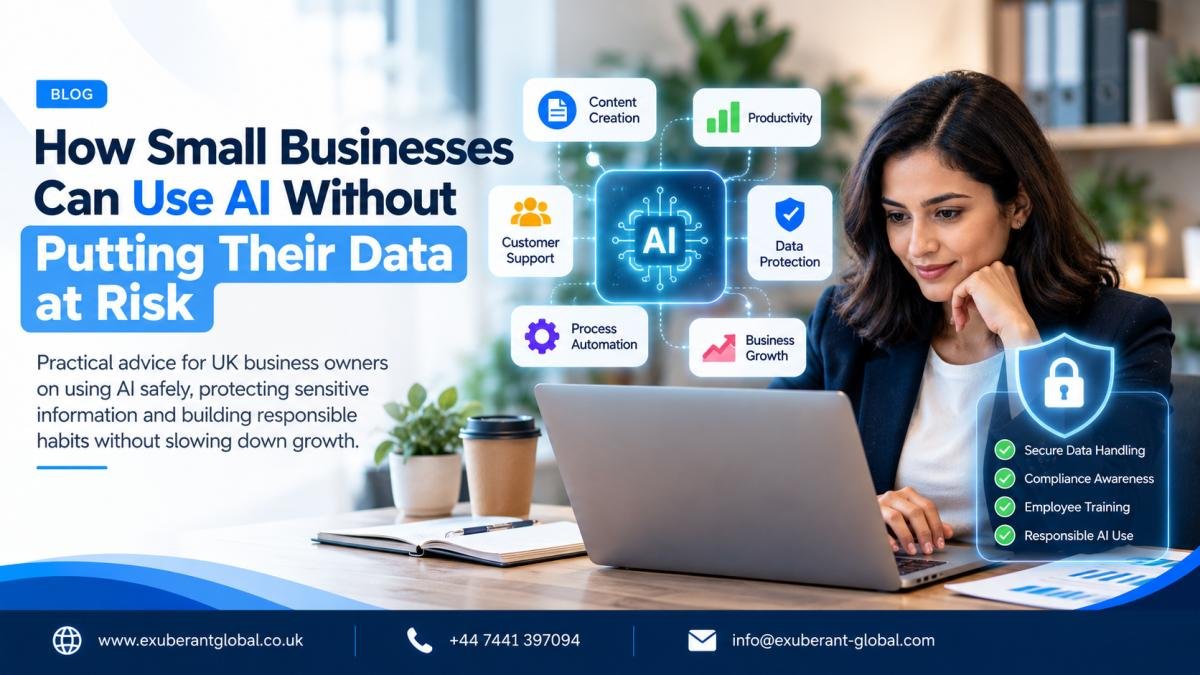
Artificial intelligence can help small businesses save time, improve customer service and make everyday work more efficient. But before employees start uploading documents or pasting customer information into AI tools, business owners need to understand what happens to that data.
Imagine a marketing manager asking AI to improve an email campaign. A sales representative wants to summarise a customer conversation. A director needs help reviewing a business proposal before a meeting.
These are ordinary business tasks, and AI can be genuinely useful for all three. The risk begins when someone shares more information than the task requires, uses a tool that has not been approved or assumes that anything entered into an AI chat remains private.
The answer is not to avoid AI altogether. For many businesses, the more sensible approach is to adopt it with clear boundaries, suitable tools and a few practical safeguards.
Why AI data security matters to UK businesses
Small businesses often introduce new technology because it solves an immediate problem. An employee discovers a tool that drafts emails in seconds or summarises a lengthy report, and the rest of the team starts using it.
This can happen before management has considered the provider's privacy terms, data retention settings, access permissions or suitability for confidential work. Employees may even use personal accounts because an approved business option has not been provided.
This figure covers cybersecurity breaches and attacks generally; it does not mean that AI caused those incidents.
Read the government survey →
The same survey found that only around a quarter of businesses using, adopting or considering AI reported having cybersecurity practices or processes in place to manage AI-related risks. This highlights a practical gap: interest in AI can move faster than the processes needed to use it responsibly.
For a small business, a data incident can mean lost time, disrupted operations, damaged customer relationships and possible legal or contractual consequences. The exact impact depends on what happened and which information was involved.
What information should you never share casually with AI?
Not every prompt creates the same level of risk. Asking AI to suggest five ideas for a marketing campaign is different from uploading a customer database or a confidential commercial agreement.
Customer and employee data
Names linked to private records, contact details, identification documents, employee information and customer histories.
Passwords and credentials
Passwords, authentication codes, API keys, private keys, database credentials and security tokens.
Commercial information
Unreleased plans, sensitive proposals, internal forecasts, confidential pricing and private supplier negotiations.
Contracts and internal files
Customer agreements, staff documents, legal correspondence and reports that may contain confidential information.
The important distinction is that information can be sensitive even if it is not personal data. A product launch plan or supplier agreement may create commercial risk if disclosed, while information about an identifiable individual may also trigger data protection responsibilities.
Five everyday examples of safer AI use
1. Marketing and content creation
AI can help create blog outlines, draft social media posts, suggest campaign ideas and improve website copy. Most of these tasks can begin with general information about the product, target audience and brand voice.
Uploading a complete customer spreadsheet with names, email addresses, purchasing histories and private notes just to create a personalised marketing draft.
Better approachDescribe the audience in general terms and ask AI to prepare a draft. Use approved marketing systems and properly authorised data processes for any actual customer personalisation.
2. Customer service
AI can help employees write polite replies, summarise common complaints and develop response templates. A short, anonymised summary is often enough to produce a useful first draft.
For example, instead of pasting a customer's full email thread, an employee could explain: "A customer received a delayed delivery and wants an update. Draft an empathetic response that acknowledges the delay and explains the next steps."
3. Recruitment and HR
AI can help refine job descriptions, prepare interview questions and organise general onboarding materials. However, uploading CVs, interview notes or staff records requires a more careful assessment.
If AI is used to screen candidates or influence employment decisions, the business should consider privacy, fairness, discrimination risks and appropriate human oversight. Important decisions should not be delegated blindly to a chatbot.
4. Business planning and market research
Business owners can use AI to brainstorm growth opportunities, compare possible strategies and structure presentations. Start with publicly available information, high-level summaries and fictional scenarios.
If the analysis later requires confidential forecasts, contracts or internal plans, check that the chosen tool is approved for that information and that the necessary protections are in place.
5. Software development and technical work
Developers can use AI to explain errors, suggest tests and improve code. Before sharing a code sample, remove credentials, private keys, customer data and any unnecessary production configuration.
AI-generated code should be reviewed and tested before deployment. It can contain security weaknesses or incorrect assumptions even when the answer looks convincing.
Public AI tools versus business AI tools
A free tool may be suitable for low-risk tasks, while a business-focused service may provide administrative controls or contractual protections that better suit confidential work. Neither label alone guarantees that a tool is appropriate.
| What to check | Why it matters |
|---|---|
| Model training and data use | Understand whether prompts and files may be used to improve services, and which settings or contractual terms apply. |
| Retention and deletion | Check how long conversations and uploads are kept and what deletion options are available. |
| Access controls | Confirm who can access conversations, uploaded files and shared workspaces. |
| Business terms | Review relevant privacy commitments, data-processing terms and responsibilities. |
| Connected applications | Understand which emails, files or business systems an AI assistant can read or change. |
Do not assume that all free tools use data in the same way or that every paid subscription provides identical protections. Review the exact product, plan and settings before approving its use.
How to introduce AI safely: a practical six-step approach
Choose approved tools
Identify the business tasks AI will support and assess the provider's privacy terms, security features, retention practices and relevant contractual arrangements.
Set clear data boundaries
Tell employees which information must not be entered into unapproved tools. Include customer records, staff information, passwords and confidential documents.
Minimise information shared
Use summaries, fictional examples or appropriately anonymised information where possible. Share only what is necessary for the task.
Train employees
Explain safe prompting, fact-checking, suspicious requests and the process for raising concerns. Use realistic examples from everyday work.
Control access and integrations
Give AI tools only the permissions they need. Review connected applications, shared files, administrator access and account security.
Review and improve
Check settings, permissions, employee understanding and business outcomes regularly, particularly after a change in the tool or its use.
What UK data protection rules should businesses consider?
Using AI does not remove a business's existing legal responsibilities. Where personal data is involved, the UK GDPR and the Data Protection Act 2018 may apply, depending on the processing activity and circumstances.
Businesses should consider whether they have a lawful basis for processing, whether people receive appropriate information about how their data is used, and whether the amount of information collected and shared is necessary for the stated purpose.
Security, accuracy, accountability and appropriate retention are also important. Where an external provider processes personal data, the business should establish the parties' roles and whether suitable contractual arrangements are required. Higher-risk processing may require a Data Protection Impact Assessment.
Removing a person's name does not always make information anonymous. Other details may still identify them, particularly when combined with information from elsewhere. Pseudonymised information may continue to qualify as personal data.
For practical guidance, consult the Information Commissioner's Office guidance on AI and data protection. This article provides general information and is not legal advice.
What should you do if sensitive information is shared accidentally?
Even with a good policy, mistakes happen. An employee might upload a confidential document to the wrong service or paste personal data into an unapproved chat.
The first step is to report the incident promptly through the business's internal process. Establish what was shared, which service received it, when it happened and whether the information could have been accessed by others.
Follow the provider's documented process to remove information or restrict access where possible. Then assess the potential impact and determine whether any contractual or regulatory notification obligations apply.
Where a personal data breach is reportable to the ICO, the UK GDPR generally requires notification without undue delay and, where feasible, within 72 hours of becoming aware of it. Deleting a prompt does not automatically mean the incident has been fully resolved.
Review the cause afterwards. Was the policy unclear? Was the approved tool difficult to use? Would better training or restricted permissions have prevented the mistake?
Read the ICO guidance on personal data breaches for further information.
A simple 30-day AI safety plan
| Timeframe | Action | Desired outcome |
|---|---|---|
| Week 1 | Identify tools employees already use and the tasks they perform. | A realistic picture of current AI usage. |
| Week 2 | Approve suitable tools and publish clear data-sharing rules. | Employees know what is permitted and what is prohibited. |
| Week 3 | Train employees using practical business scenarios. | Better understanding of safe use and reporting procedures. |
| Week 4 | Review permissions, results, concerns and areas for improvement. | A plan for expanding safe and useful AI adoption. |
Keep the first month manageable. A small business does not need to redesign every process at once. It needs to understand its current usage, establish sensible boundaries and learn from a few well-chosen use cases.
AI safety checklist for business owners
Before approving a new AI tool or a sensitive use case, work through this checklist.
- We know which business problem the tool is intended to solve.
- We have reviewed the provider's current privacy terms and security features.
- We understand the applicable data retention and model-training settings.
- Employees know which information must not be shared with unapproved tools.
- Access permissions and connected applications have been checked.
- Relevant data protection responsibilities have been assessed.
- Employees know to review AI output before using it for important decisions.
- There is a clear way to report accidental data exposure.
- Tool access and settings will be reviewed periodically.
If some answers are "no", identify the gaps and decide what needs to change before using the tool for sensitive work.
How can you measure whether AI is actually helping?
Responsible AI adoption should produce a business benefit as well as manageable risk. Measure outcomes rather than relying on how impressive a tool appears during a demonstration.
Time saved
Does AI reduce the time required to prepare drafts, summarise documents or organise information?
Quality and accuracy
Are outputs reliable, useful and consistent with your business standards?
Rework required
How much time do employees spend correcting or checking AI-generated results?
Overall cost
Do the benefits justify subscriptions, training, implementation and human review?
For example, a team might save five hours a week by using AI to prepare first drafts. If it then spends four hours correcting those drafts, the real saving is only one hour. The best use cases deliver measurable improvements without creating unnecessary risks or extra work.
Frequently asked questions
Can small businesses use free AI tools for work?
Yes, for suitable tasks, provided the business assesses the specific tool and its terms. Generic brainstorming may be appropriate, while personal data and confidential business information require greater care.
Do AI tools automatically use every prompt to train their models?
No. Data handling differs by provider, product, account type and settings. Check the terms for the exact service rather than assuming all AI tools behave the same way.
Is removing names enough to anonymise information?
Not necessarily. Other details may still identify someone, especially when combined with information from other sources. Pseudonymised information may still be personal data under UK data protection law.
Should businesses ban employees from using AI?
Some high-risk situations may justify restrictions. In other cases, approved tools, clear rules and employee training can offer a practical way to manage AI use. The right approach depends on the business and the information involved.
What is the first step towards safer AI adoption?
Find out which tools employees already use and what information they share. Use that information to choose appropriate tools, set boundaries and prioritise training.
Final thoughts: use AI without losing sight of trust
AI can help small businesses work more efficiently, explore ideas and give employees more time for tasks that need judgement and creativity. But adopting a new tool should not mean abandoning the safeguards that protect the business and its customers.
Start with one repetitive task, select an appropriate tool, share only the information needed and measure the result. As confidence grows, expand carefully and keep reviewing how the technology is being used.
For businesses working with external partners or distributed teams, these principles are equally important. Everyone involved should understand what information they can access, how it may be used and how to raise a concern.
At Exuberant Global, reliable processes and responsible handling of client information matter when supporting businesses across different working environments. The same principle applies to any organisation adopting new technology: efficiency is valuable, but trust is essential.
Choose one AI use case in your business this week. Check what information it needs, confirm that the tool is suitable and establish a clear review process before expanding its use.
Further reading and official guidance
- UK Government: Cyber Security Breaches Survey 2025/2026
- Information Commissioner's Office: AI and data protection
- Information Commissioner's Office: Personal data breaches
- National Cyber Security Centre: Guidance for small and medium-sized organisations
This article is for general information and should not be treated as legal, cybersecurity or data protection advice for a specific situation. Check current official guidance and seek appropriate professional advice where necessary.
Ready to Scale Your Business?
Connect with our experts to learn how our outsourcing solutions can drive growth.
Book a Discovery Call